

Прошедшие игры
-
- Все
- [WC3] HELLHALT
- [WC3] YouTD
- [WC3] Castle Fight
- [WC3] Random Farm TD
- [WC3] Green Circle TD
- [WC3] Burbenog TD
- [WC3] Mission Dead City
- [OZ] LTD-X20 4.5x20 OZ
- [OZ] LegionTD 4x4 x3
- [OZ] Legion Mega x10 3.41
- [OZ] LTD-1x1 King Limit
- [OZ] SC Survival Chaos
- [OZ] Life in Arena
- [WC3] Legion TD x20 NG
- Test Burbenog
-

[WC3] Burbenog TD #3141
-
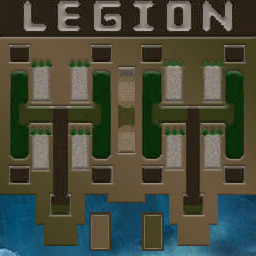
[OZ] LegionTD 4x4 x3 #169
-

[WC3] Green Circle TD #104
-
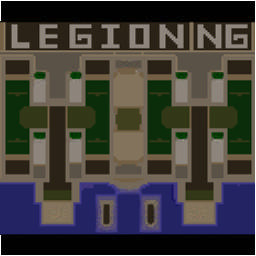
[WC3] Legion TD x20 NG #204
-
[WC3] Burbenog TD #3099
-
[OZ] LegionTD 4x4 x3 #159
-
[WC3] Burbenog TD #3145
-
[WC3] Burbenog TD #3157
-
[WC3] Burbenog TD #3159
-
[WC3] Burbenog TD #3154
-
[WC3] Burbenog TD #3097
-
[WC3] Green Circle TD #103
-
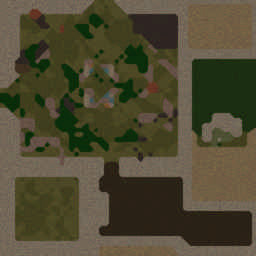
[OZ] Life in Arena #709
-

[WC3] Castle Fight #35
-
[OZ] Life in Arena #707
-
[WC3] Burbenog TD #3082
-
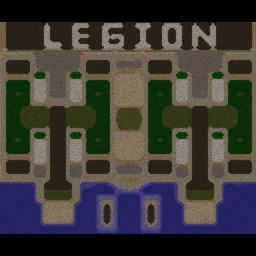
[OZ] LTD-X20 4.5x20 OZ #1408
-
[WC3] HELLHALT #119
-
[OZ] SC Survival Chaos #571
-
[WC3] Burbenog TD #3122
-
[OZ] Life in Arena #710
-
[OZ] LegionTD 4x4 x3 #163
-
[WC3] Legion TD x20 NG #203
-
[WC3] Burbenog TD #3138
-
[OZ] Life in Arena #694