

Прошедшие игры
-
- Все
- [WC3] HELLHALT
- [WC3] YouTD
- [WC3] Castle Fight
- [WC3] Random Farm TD
- [WC3] Green Circle TD
- [WC3] Burbenog TD
- [WC3] Mission Dead City
- [OZ] LTD-X20 4.5x20 OZ
- [OZ] LegionTD 4x4 x3
- [OZ] Legion Mega x10 3.41
- [OZ] LTD-1x1 King Limit
- [OZ] SC Survival Chaos
- [OZ] Life in Arena
- [WC3] Legion TD x20 NG
- Test Burbenog
-
[WC3] Legion TD x20 NG #533
-

[WC3] Burbenog TD #1182
-
[WC3] Burbenog TD #1243
-
[WC3] Burbenog TD #1247
-
[WC3] Burbenog TD #1230
-
[WC3] Burbenog TD #1236
-
[WC3] Legion TD x20 NG #532
-
[OZ] LegionTD 4x4 x3 #639
-
[OZ] LTD-1x1 King Limit #96
-
[OZ] LegionTD 4x4 x3 #640
-
[WC3] Burbenog TD #1244
-
[OZ] SC Survival Chaos #183
-
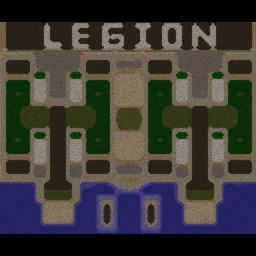
[OZ] LTD-X20 4.5x20 OZ #487
-
[WC3] Burbenog TD #1242
-

[WC3] Castle Fight #67
-
[OZ] LTD-X20 4.5x20 OZ #486
-
[WC3] Legion TD x20 NG #517
-
[OZ] LegionTD 4x4 x3 #623
-
[WC3] Legion TD x20 NG #529
-
[OZ] LTD-1x1 King Limit #97
-
[WC3] Burbenog TD #1234
-
[WC3] Burbenog TD #1176
-
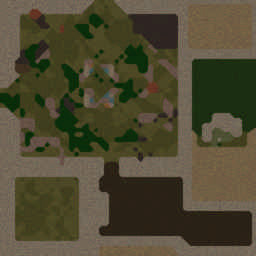
[OZ] Life in Arena #236
-
[WC3] Burbenog TD #1183
-
[WC3] Burbenog TD #1238