

Прошедшие игры
-
- Все
- [WC3] HELLHALT
- [WC3] YouTD
- [WC3] Castle Fight
- [WC3] Random Farm TD
- [WC3] Green Circle TD
- [WC3] Burbenog TD
- [WC3] Mission Dead City
- [OZ] LTD-X20 4.5x20 OZ
- [OZ] LegionTD 4x4 x3
- [OZ] Legion Mega x10 3.41
- [OZ] LTD-1x1 King Limit
- [OZ] SC Survival Chaos
- [OZ] Life in Arena
- [WC3] Legion TD x20 NG
- Test Burbenog
-
[OZ] Life in Arena #410
-

[WC3] Burbenog TD #2123
-

[WC3] Random Farm TD #172
-
[WC3] Legion TD x20 NG #908
-
[WC3] Burbenog TD #2107
-
[WC3] Burbenog TD #2145
-
[OZ] LTD-X20 4.5x20 OZ #907
-
[WC3] Burbenog TD #2147
-
[WC3] Legion TD x20 NG #900
-
[WC3] Burbenog TD #2073
-

[WC3] YouTD #63
-
[WC3] Burbenog TD #2106
-
[WC3] Burbenog TD #2143
-
[WC3] Legion TD x20 NG #898
-
[OZ] LTD-X20 4.5x20 OZ #902
-
[OZ] SC Survival Chaos #365
-
[OZ] Life in Arena #409
-
[WC3] Random Farm TD #170
-
[WC3] Burbenog TD #2084
-
[WC3] Burbenog TD #2090
-
[WC3] Random Farm TD #174
-
[WC3] Burbenog TD #2079
-
[WC3] Burbenog TD #2122
-
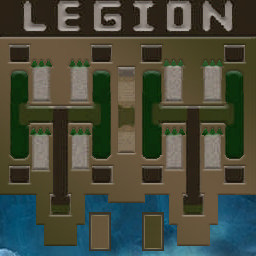
[OZ] LegionTD 4x4 x3 #1115
-
[WC3] Burbenog TD #2132