

Прошедшие игры
-
- Все
- [WC3] HELLHALT
- [WC3] YouTD
- [WC3] Castle Fight
- [WC3] Random Farm TD
- [WC3] Green Circle TD
- [WC3] Burbenog TD
- [WC3] Mission Dead City
- [OZ] LTD-X20 4.5x20 OZ
- [OZ] LegionTD 4x4 x3
- [OZ] Legion Mega x10 3.41
- [OZ] LTD-1x1 King Limit
- [OZ] SC Survival Chaos
- [OZ] Life in Arena
- [WC3] Legion TD x20 NG
- Test Burbenog
-
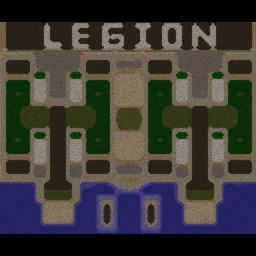
[OZ] LTD-X20 4.5x20 OZ #965
-
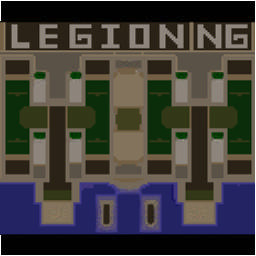
[WC3] Legion TD x20 NG #964
-

[WC3] Random Farm TD #185
-

[OZ] SC Survival Chaos #397
-
[WC3] Legion TD x20 NG #956
-
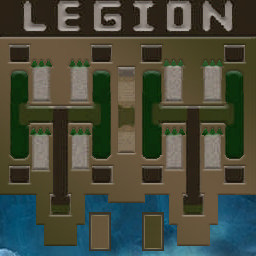
[OZ] LegionTD 4x4 x3 #1172
-

[WC3] Burbenog TD #2287
-
[OZ] LTD-X20 4.5x20 OZ #996
-
[OZ] SC Survival Chaos #389
-
[WC3] Burbenog TD #2247
-
[OZ] LegionTD 4x4 x3 #1178
-
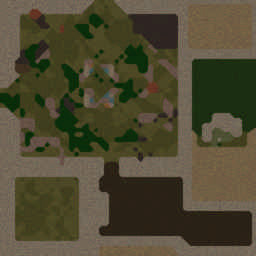
[OZ] Life in Arena #453
-
[OZ] SC Survival Chaos #396
-
[OZ] LTD-1x1 King Limit #163
-
[WC3] Legion TD x20 NG #960
-
[WC3] Burbenog TD #2293
-
[WC3] Legion TD x20 NG #949
-
[OZ] SC Survival Chaos #388
-
[OZ] LTD-X20 4.5x20 OZ #986
-
[WC3] Burbenog TD #2213
-
[OZ] LegionTD 4x4 x3 #1176
-
[OZ] LTD-X20 4.5x20 OZ #980
-
[WC3] Legion TD x20 NG #954
-
[OZ] LegionTD 4x4 x3 #1175
-
[WC3] Burbenog TD #2266