

Перейти к содержанию
View in the app

A better way to browse. Learn more.

WC3.Info

A full-screen app on your home screen with push notifications, badges and more.

To install this app on iOS and iPadOS
  1. Tap the Share icon in Safari
  2. Scroll the menu and tap Add to Home Screen.
  3. Tap Add in the top-right corner.
To install this app on Android
  1. Tap the 3-dot menu (⋮) in the top-right corner of the browser.
  2. Tap Add to Home screen or Install app.
  3. Confirm by tapping Install.

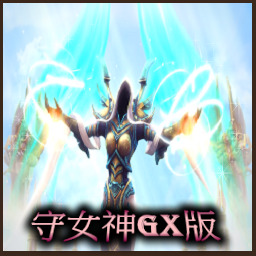
守-女神Gx36.B2版 36.B2

  • 作者:GX-Bala

Описание карты

|c00FF0000守-女神Gx36.B2版 |c0040E0D0作者:Bala-芭樂 觸發指導:「kkqqpp」 舊信長模組所有:Black_Stan 部分蛇魔模組提供:極限工作室 部分模組作者提供:「moon_shin_月真」 阿松模組提供:「Eternity429」出處流連往返 參與技術支援:小冰

Configure browser push notifications

Chrome (Android)
  1. Tap the lock icon next to the address bar.
  2. Tap Permissions → Notifications.
  3. Adjust your preference.
Chrome (Desktop)
  1. Click the padlock icon in the address bar.
  2. Select Site settings.
  3. Find Notifications and adjust your preference.